
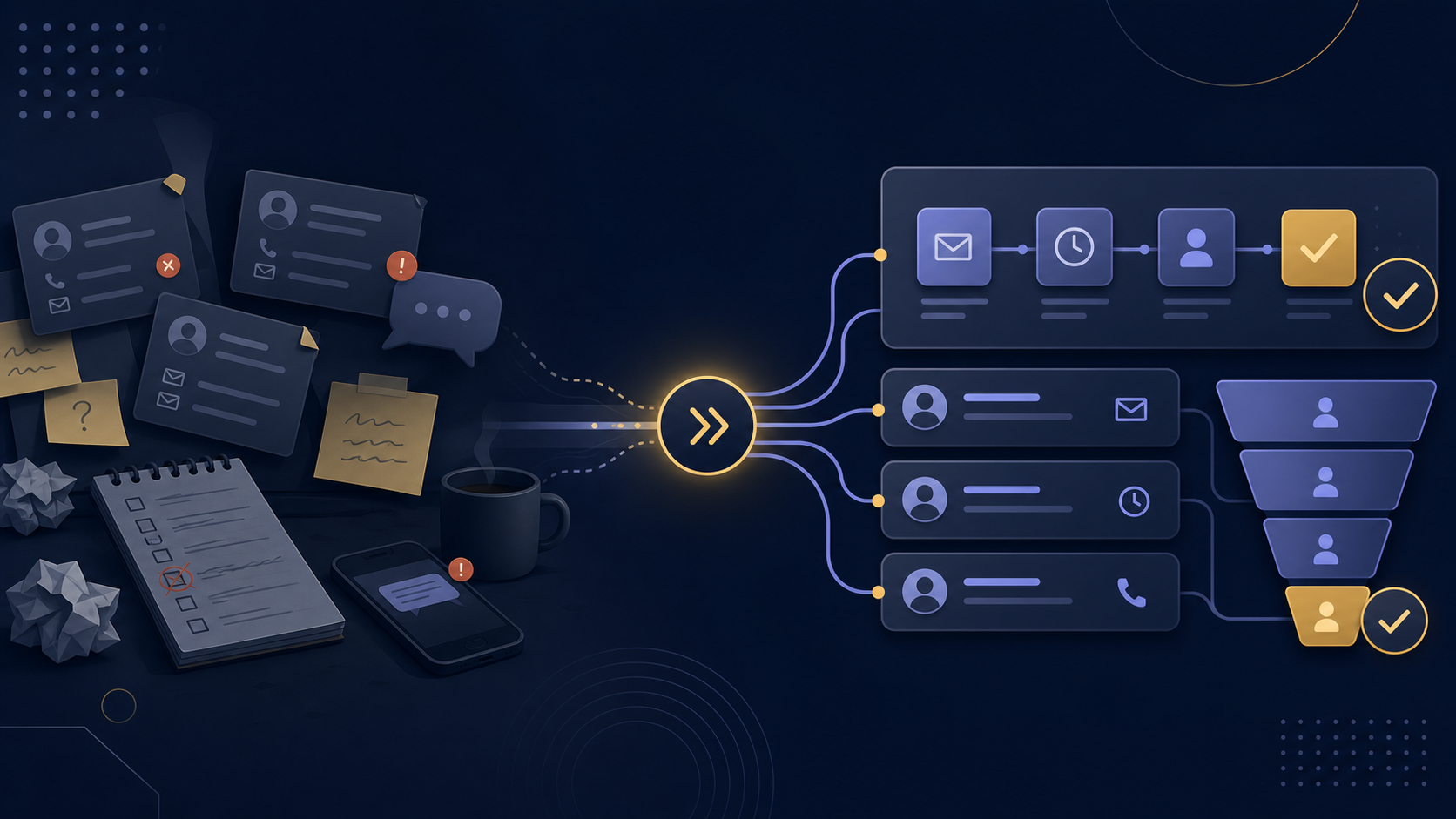
A lot of small service businesses do not have a lead generation problem.
They have a lead follow-up problem.
New inquiries come in, but replies are delayed, reminders are forgotten, information gets lost between tools, and follow-up becomes inconsistent as soon as the week gets busy.
That is usually where automated lead follow up starts to matter.
If your business relies on manual reminders, scattered notes, or “I’ll reply later” habits, this article will help you spot the warning signs and understand what lead follow up automation can actually improve.
Table of Contents
What automated lead follow up means
Automated lead follow up means creating a workflow that helps your business respond to new leads quickly and consistently without relying on memory alone.
That does not mean every message becomes robotic.
It means the process becomes more structured.
A good lead follow-up workflow can include:
- instant confirmation after a form submission
- internal notification when a new lead arrives
- lead entry into a CRM or tracker
- reminders when no one has replied
- follow-up emails based on status or timing
- clearer handoff between inquiry, booking, and onboarding
The goal is simple: fewer missed opportunities and a more reliable process.
Why lead follow-up breaks in small service businesses
In many small service businesses, follow-up is handled informally.
That usually works at first.
But as lead volume grows, the process starts depending too much on availability, memory, and personal discipline.
Common reasons follow-up breaks include:
- inboxes are checked inconsistently
- forms and CRM tools are not connected
- no one owns the next step clearly
- reminders are manual
- follow-up timing changes from lead to lead
- information is stored in too many places
This is why businesses often feel like they are “doing enough” while still losing leads.
The problem is not effort alone.
The problem is workflow.
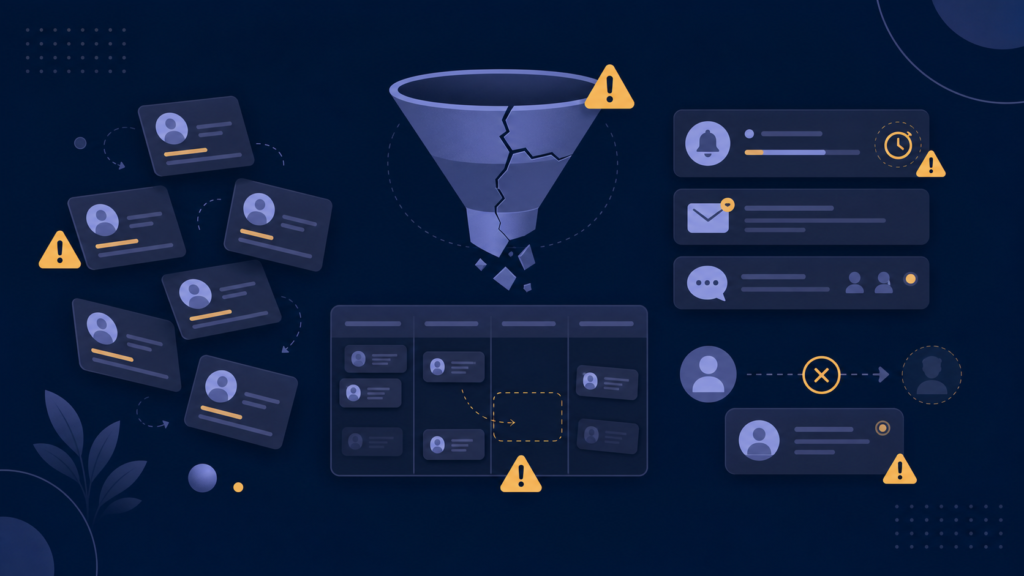
1. New leads do not get a fast first response
One of the clearest signs your process needs automation is slow first response time.
If someone fills out your form and waits hours or days without hearing back, momentum drops quickly.
In service businesses, that first response often shapes whether the lead keeps moving or starts looking elsewhere.
A better process usually includes:
- instant acknowledgement
- internal notification to the right person
- a clear next step for review or reply
This is one of the easiest places for lead follow up automation to create immediate value.
2. Follow-up depends on memory
If your process relies on someone remembering to check, reply, nudge, or revisit a lead later, the workflow is fragile.
It may work when things are quiet.
It usually breaks when delivery work, meetings, or admin tasks pile up.
Manual follow-up often creates problems like:
- forgotten leads
- inconsistent reply timing
- missed reminders
- dropped conversations after the first message
When this happens repeatedly, the business needs more than discipline.
It needs structure.
3. Lead information lives in too many places
Another strong sign is when lead details are spread across:
- forms
- spreadsheets
- calendars
- DMs
- notes
- CRM tools that are not fully used
When information is fragmented, follow-up becomes slower and more error-prone.
People waste time checking where the latest detail lives.
They also lose visibility into what has already happened.
A stronger workflow uses lead management automation to make sure information lands in the right place automatically.
4. There is no clear handoff after the first inquiry
Some businesses respond to leads, but then the next step becomes unclear.
Examples:
- no one knows whether the lead booked
- no one knows whether a reminder was sent
- the lead replied, but the conversation stalled
- the lead is interested, but no internal task was created
That kind of friction makes the process feel heavier than it should.
Automation helps by defining what happens next after each stage.
For example:
- inquiry received
- response sent
- call booked
- reminder triggered
- proposal sent
- onboarding started
Without those handoffs, follow-up turns into guesswork.
5. Good leads go cold when the business gets busy
This is one of the most expensive warning signs.
If your best lead-follow-up performance only happens when you are having a calm week, the process is not stable enough.
A business should not have to choose between:
- serving current clients
- responding properly to new leads
When follow-up collapses during busy periods, automation is often the right fix because it reduces the number of repeated steps that depend on manual attention.
6. Your follow-up style is inconsistent
Inconsistency is not always obvious.
You may still be replying to most leads, but the experience changes too much depending on timing and energy.
One lead gets a polished response in 15 minutes.
Another gets a rushed reply the next day.
Another gets no follow-up at all after the first exchange.
That inconsistency affects trust.
A better workflow does not remove personality. It protects consistency around the process.
7. You cannot easily see where each lead stands
If you cannot quickly answer questions like these, your process is probably too manual:
- Which leads came in this week?
- Which ones were answered?
- Which ones need follow-up?
- Which ones booked?
- Which ones went quiet?
- Which ones became clients?
This is where lead management automation becomes useful.
It gives the business better visibility, not just faster messages.
What a better lead follow-up workflow looks like
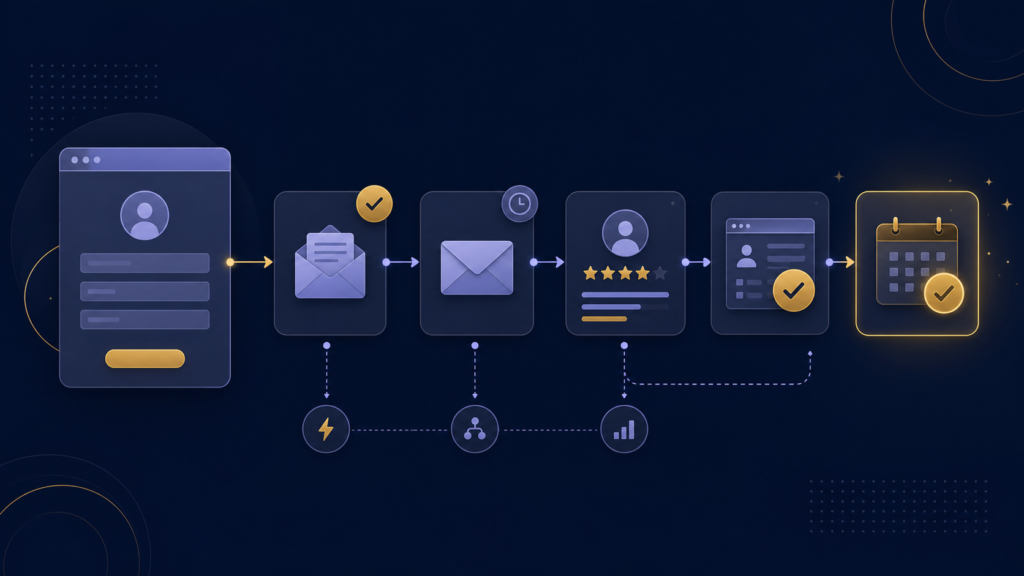
A simple automated lead follow-up workflow might look like this:
- A lead submits a website form.
- The business receives an internal alert immediately.
- The lead is added to a tracker or CRM automatically.
- A confirmation email is sent right away.
- If no action happens within a defined time, a reminder is triggered.
- If the lead books a call, the workflow moves to the next stage.
- If the lead becomes a client, onboarding begins.
This kind of setup is usually much more valuable than trying to automate everything at once.
If you want the broader picture of how this fits into a full service-business system, read workflow automation for small businesses: what it actually includes.
What lead follow up automation does not fix
Automation can improve process reliability.
It does not fix everything.
It will not solve:
- weak positioning
- unclear offers
- poor lead quality
- bad sales conversations
- a broken service experience
That is important.
The value of automation is not that it magically creates demand.
The value is that it helps your business handle demand better when interest already exists.
Should you automate lead follow-up yourself or get help?
A business can often set up a basic workflow alone if:
- the process is simple
- only a few tools are involved
- the owner is comfortable testing and troubleshooting
- the stakes are relatively low
Outside help makes more sense when:
- lead response time matters
- several tools need to work together
- missed follow-up is already affecting revenue
- the owner wants the process designed properly, not just connected quickly
- no one on the team wants to maintain the logic manually
This is usually where working with a business automation consultant becomes worthwhile.
If you are weighing outside help, this article explains what a small business automation consultant actually does and when it makes sense to hire one.
What to automate first
If your follow-up process is messy, do not try to build a huge system immediately.
Start with the highest-value improvements first.
For most service businesses, that means:
- instant lead acknowledgement
- internal notification
- lead capture into one system
- reminder logic for unreviewed leads
- basic stage tracking
Once that is reliable, the workflow can expand.
For a more complete prioritization framework, see workflow automation services for small businesses: which processes to automate first.
Final thought
If your lead follow-up depends too much on memory, manual checking, and inconsistent routines, automation is probably no longer optional.
It does not need to be complex.
It just needs to be clear, useful, and built around how your business actually works.
If you want help identifying the most valuable place to start, you can begin here:
FAQ
What is automated lead follow up?
Automated lead follow up is a structured workflow that helps businesses respond to new inquiries quickly and consistently using triggers, reminders, notifications, and connected tools.
What is the difference between lead follow up automation and lead management automation?
Lead follow up automation focuses on messages, timing, reminders, and next steps after an inquiry. Lead management automation is broader and can also include tracking, routing, status updates, and visibility across the pipeline.
When should a small business automate lead follow-up?
A small business should automate lead follow-up when inquiries are getting delayed, forgotten, or handled inconsistently, especially during busy periods.
Can automated lead follow up still feel personal?
Yes. Automation can handle timing, reminders, and structure while still allowing personalized responses where they matter most.
What should a business automate first in lead follow-up?
The best starting points are usually instant acknowledgement, internal alerts, one clear lead-tracking system, and reminders for leads that have not been followed up properly.