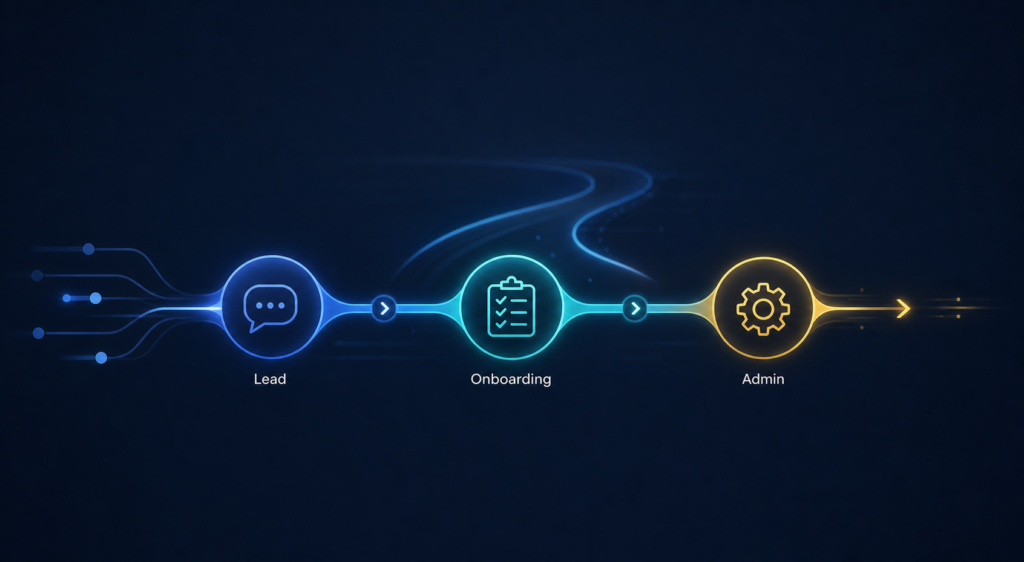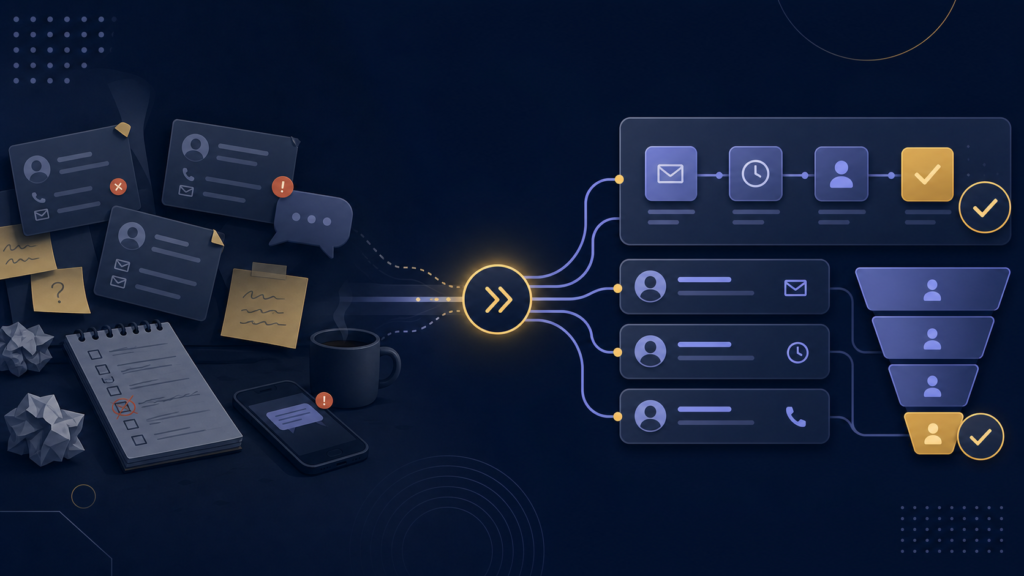
When a new client says yes, that should feel like the beginning of a smooth working relationship, not the start of a messy admin scramble. But for many small businesses, the onboarding stage is still held together by manual emails, forgotten follow-ups, copied templates, and scattered notes.
That is where client onboarding automation becomes valuable. It helps small businesses create a more consistent first experience, reduce delays, and make sure every new client knows what happens next.
In this article, we will look at what client onboarding automation actually means, the signs your onboarding process needs improvement, and which steps are usually worth automating first.
Table of Contents
What Is Client Onboarding Automation?
Client onboarding automation means using systems and connected tools to move new clients through the early stages of your process with less manual work. Instead of sending every welcome email by hand, chasing missing information, or rebuilding the same checklist each time, you create a workflow that handles the repetitive steps for you.
That might include:
- sending a welcome email automatically after a client signs
- sharing forms, contracts, or document requests in the right order
- creating internal tasks for your team
- reminding clients when something is still missing
- updating your CRM or project tracker after each step
The goal is not to remove the human side of onboarding. The goal is to remove the repetitive admin that slows everything down and creates a poor first impression.
Why Client Onboarding Matters So Much
The onboarding stage shapes how a client feels about working with you. Even if your actual service is strong, a confusing start can make your business feel disorganized.
A better onboarding process helps clients feel:
- clear on the next steps
- confident that nothing is being missed
- reassured that you have a real process
- less likely to chase you for updates
It also helps you internally. When onboarding is more structured, your team spends less time reacting and more time delivering the actual work.
Signs Your Onboarding Process Needs Automation
You do not need a huge business to benefit from onboarding workflow automation. In fact, smaller service businesses often feel the pain earlier because the same people are selling, onboarding, delivering, and following up.
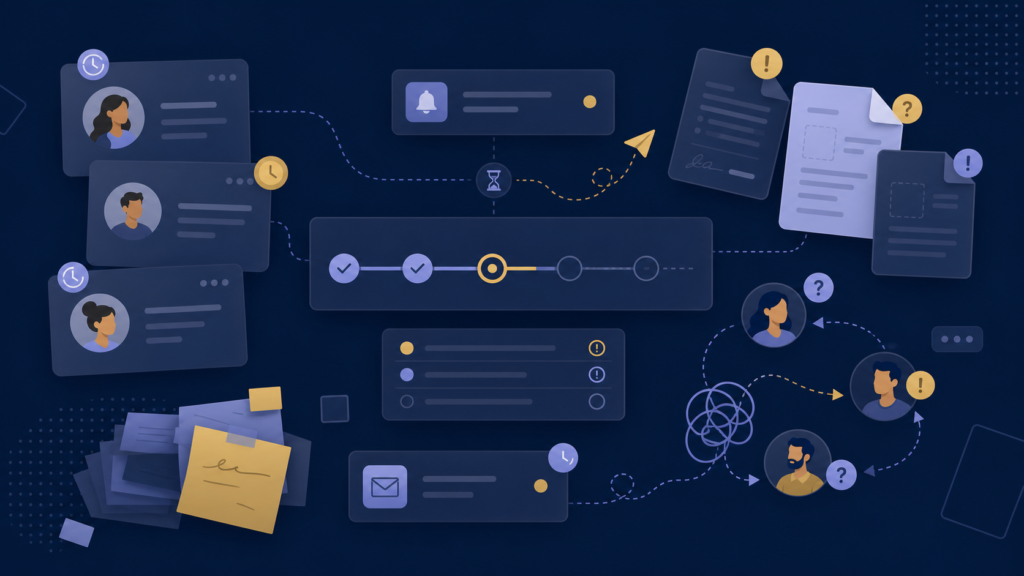
Your onboarding process may need attention if:
- new clients wait too long before hearing from you
- important forms or documents are sent late
- you copy and paste the same emails over and over
- clients are unclear about what happens next
- tasks are tracked in multiple places
- something gets missed whenever work gets busy
- handoffs between sales and delivery feel inconsistent
If these issues sound familiar, automation is usually not about adding complexity. It is about making the basics happen more reliably.
If you are still deciding whether onboarding is the first process to fix, this article on which processes to automate first can help you compare it against lead follow-up and admin work.
Which Client Onboarding Steps Are Best to Automate First?
The best automation opportunities are usually the steps you repeat for every client.
1. Welcome and confirmation emails
Once a client signs or submits the right form, they should get a quick, clear message that confirms the next step. This is one of the easiest wins in client onboarding automation for small businesses.
2. Intake forms and information collection
If you always need the same client details, project background, assets, or preferences, those requests should not depend on someone remembering to send them manually.
3. Internal task creation
When a client reaches a certain stage, your internal checklist should be triggered automatically. That could mean creating a project board, assigning an owner, or notifying the right team member.
4. Reminder sequences
Clients often forget to send documents, complete forms, or choose a time. Automated reminders help keep onboarding moving without forcing you to manually chase every step.
5. Status updates across tools
If your form, inbox, CRM, and delivery system are disconnected, onboarding becomes fragile. A small automation layer can keep those systems in sync so your process stays visible.
What a Simple Automated Onboarding Workflow Can Look Like
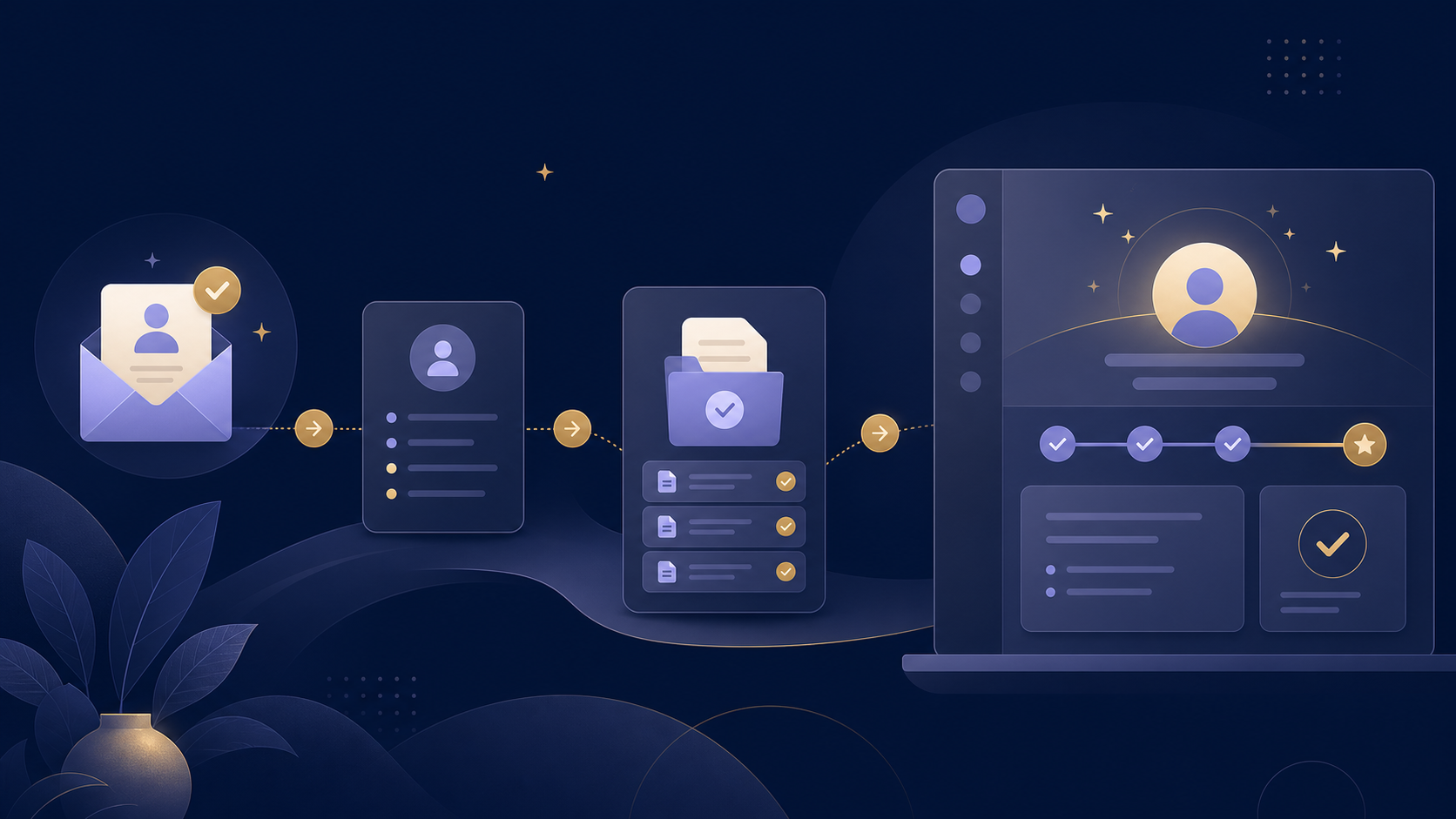
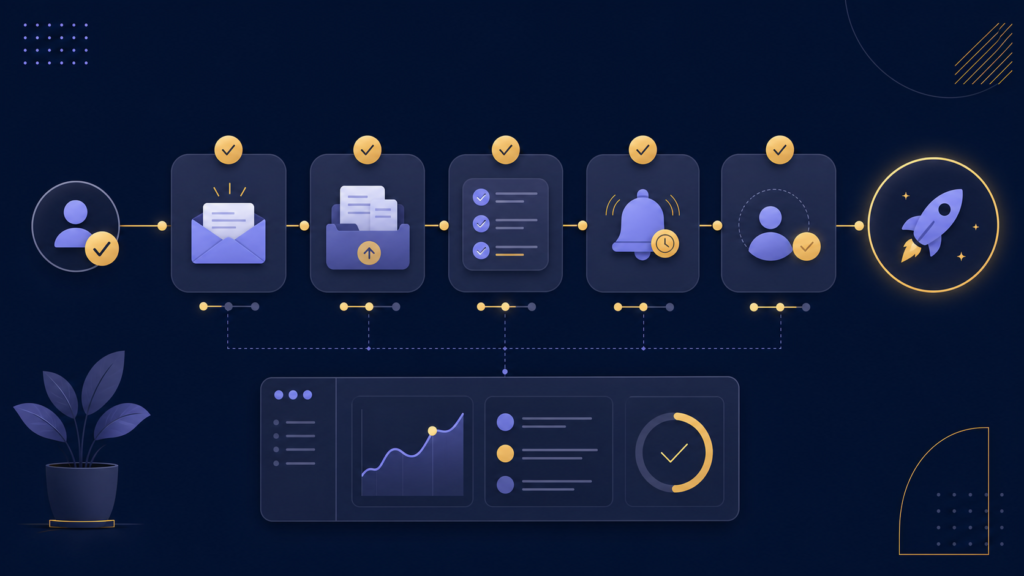
A lightweight onboarding workflow might look like this:
- a client signs or submits a form
- they receive a welcome email instantly
- an intake form is sent automatically
- your task board creates the onboarding checklist
- missing items trigger a reminder after a set delay
- once everything is complete, the client is moved into delivery
That kind of system is often enough to remove the most frustrating friction without overengineering the whole business.
Common Mistakes to Avoid
Not every onboarding system should be heavily automated. The biggest mistakes usually happen when businesses either automate too little or automate the wrong things.
- Automating around a messy process: If the steps are unclear, automation will only make the confusion faster.
- Using too many tools: More tools does not always mean a better workflow.
- Removing useful human touchpoints: Clients still want clarity and responsiveness, especially early on.
- Skipping visibility: If no one can see where a client is in the process, problems still get hidden.
How to Know Where to Start
If you are not sure where to begin, look for the step that is both repetitive and easy to forget. That is often the best first automation target.
For some businesses, that will be welcome emails. For others, it will be reminders, task creation, or document collection. The right answer depends on where your onboarding process is slowing down today.
If you want a clearer view of where your workflow is breaking down, you can start with an EfficiencyNest workflow review to map the friction and identify the best next step.
If you want the broader context around how small business automation projects are usually structured, see workflow automation for small businesses: what it actually includes.
Final Thoughts
Client onboarding automation is not about making your business feel robotic. It is about creating a smoother, more reliable start for every new client while reducing the manual work your team repeats every week.
When onboarding feels clear, consistent, and easier to manage, both you and your clients feel the difference. And for small businesses, that kind of operational improvement compounds quickly.
And if you are unsure whether to build this yourself or bring in outside help, this explains what a small business automation consultant actually does.
FAQ
What is client onboarding automation?
Client onboarding automation is the use of systems and connected tools to automate repetitive onboarding steps such as welcome emails, form delivery, reminders, task creation, and status updates.
Is client onboarding automation only for large companies?
No. Small service businesses often benefit the most because they usually have fewer people handling more repeated admin work.
Which onboarding steps should I automate first?
Start with the most repetitive and easy-to-miss steps, such as welcome emails, intake forms, reminders, and internal task creation.
Will automation make onboarding feel less personal?
Not if it is set up well. Good automation removes repetitive admin while preserving the human parts that clients actually value.